DIY Tips for Optimizing Your Office Network Infrastructure
Understanding Your Current Network Setup
Before you dive into optimizing your office network infrastructure, it's crucial to understand the current setup. Assess your existing network components, including routers, switches, and cabling. Make a list of all devices connected to the network to identify any potential bottlenecks. This foundational step will help you pinpoint areas that require improvement.

Upgrading Hardware for Better Performance
Old hardware can slow down your network significantly. Consider upgrading to modern routers and switches that support higher speeds and more devices. Look for equipment that offers advanced features like Quality of Service (QoS) to prioritize traffic effectively. Investing in high-quality hardware can yield substantial improvements in network performance.
Choosing the Right Router
Your router is the backbone of your network. Choose one that supports the latest Wi-Fi standards, such as Wi-Fi 6, for faster speeds and better range. Ensure it has sufficient bandwidth to handle all connected devices and consider models with additional security features to protect your network.

Optimizing Network Configuration
Once your hardware is up to date, focus on optimizing the network configuration. Start by adjusting the router settings to maximize performance. Set up a separate guest network to prevent visitors from accessing sensitive data. Use strong passwords and the latest encryption standards to enhance security.
Managing Network Traffic
Implementing a proper traffic management strategy can prevent congestion. Use QoS settings to prioritize critical applications like video conferencing over less important traffic. Monitoring tools can help you track bandwidth usage and identify devices that consume excessive data.

Cabling and Physical Layout
The physical layout of your office can affect network performance. Ensure that cables are not too long and are of good quality to avoid signal degradation. Consider using wired connections for devices that require stable connections, such as desktop computers and servers.
Organizing Network Cables
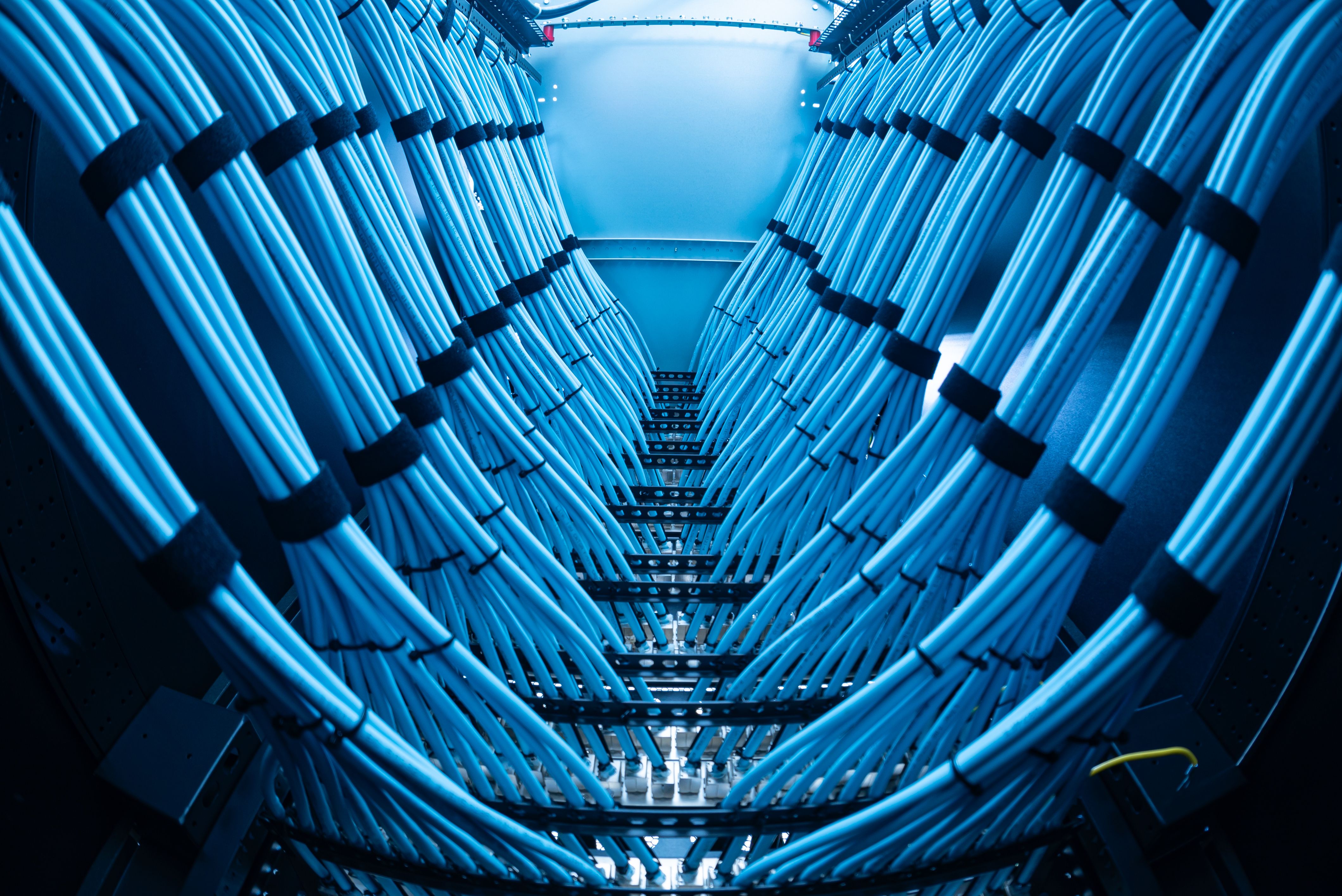
Proper cable management is essential for maintaining an efficient network. Use cable organizers to prevent tangles and interference. Labeling cables can also help in quickly identifying connections during troubleshooting.
Regular Maintenance and Monitoring
Finally, maintaining your network infrastructure is an ongoing process. Regularly update firmware and software to patch security vulnerabilities. Use network monitoring tools to keep an eye on performance and address issues promptly. Scheduled maintenance can prevent downtime and ensure a smooth operation.
By following these DIY tips, you can optimize your office network infrastructure, leading to improved efficiency and productivity. Remember, a well-maintained network is a foundation for a successful business operation.